Developer Mode
Turn on Discord's developer mode so you can copy the IDs baobun asks for.
Several commands take a message, channel, or user ID — /giveaway end, /purge after,
/timediff and others. Discord only shows a Copy ID option once developer mode is on, so turn
it on once and it stays on for your account across every server.
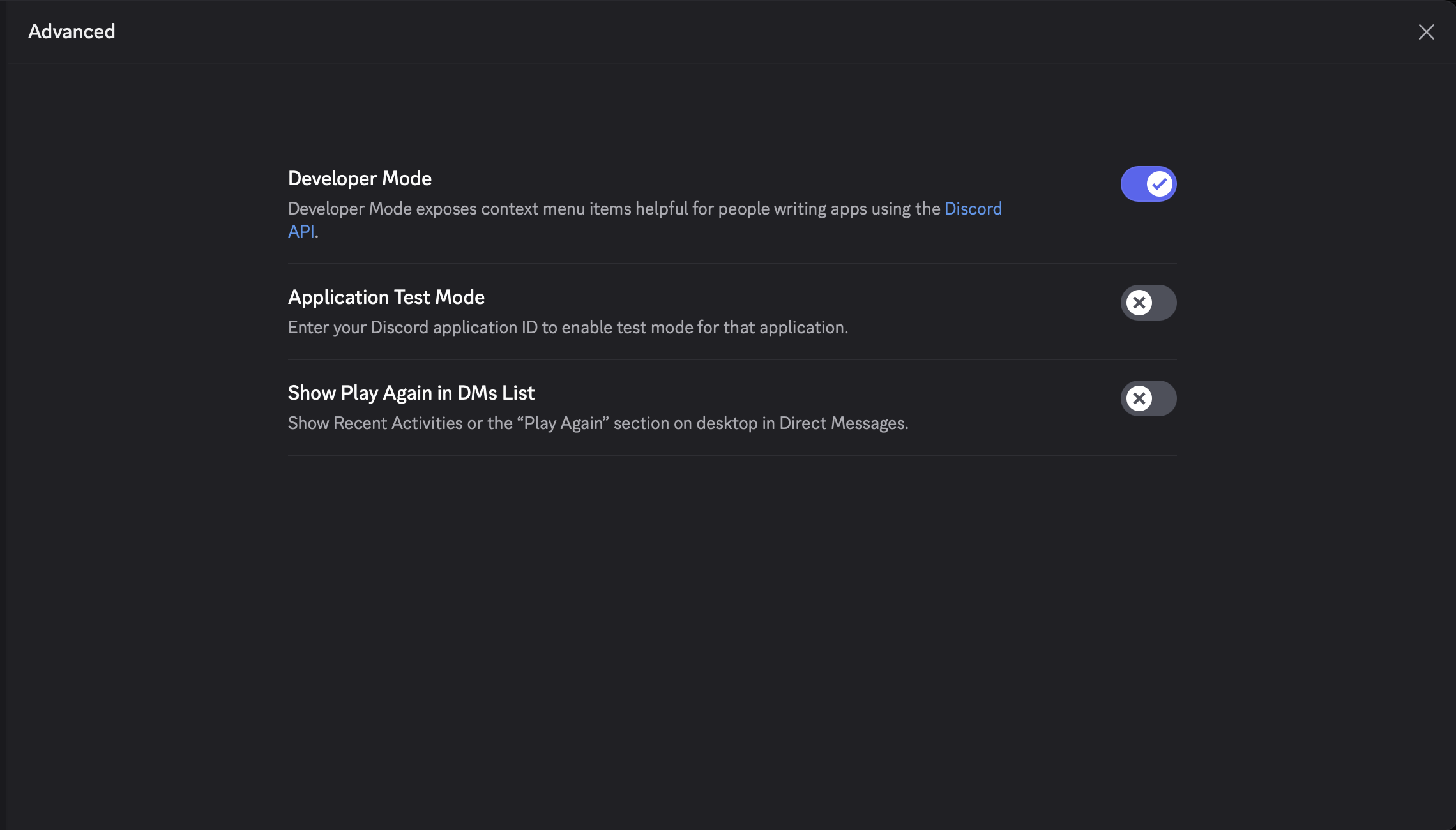
Developer Mode - Desktop
Open Settings, go to Advanced, and toggle on Developer Mode.
With it on, right-click (or long-press on mobile) any message, channel, role, or user and pick Copy ID.